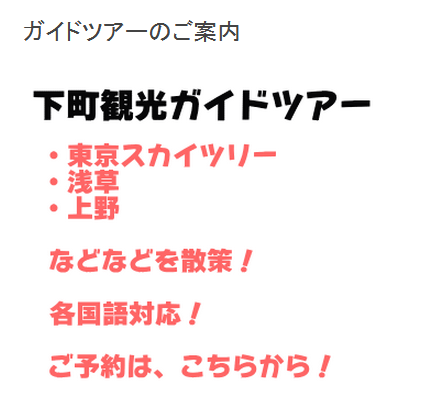
Twenty Twelveで画像に付加される角丸の影を消したい

Twenty Twelveでは、画像を追加すると角丸の影が付加されます。
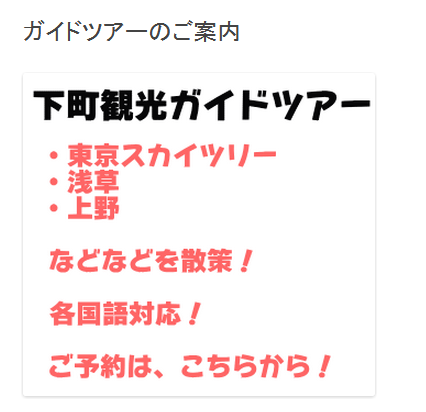
これはstyle.cssの次の箇所で定義されています。
.entry-content img,
.comment-content img,
.widget img,
img.header-image,
.author-avatar img,
img.wp-post-image {
	/* Add fancy borders to all WordPress-added images …  */
	border-radius: 3px;
	box-shadow: 0 1px 4px rgba(0, 0, 0, 0.2);
}
この2行を削除(またはコメントに)すれば影が消えます。
※影自体はbox-shadowの行を削除すれば消えます。
または子テーマのstyle.cssに次のように記述する方法があります。
.entry-content img,
.comment-content img,
.widget img,
img.header-image,
.author-avatar img,
img.wp-post-image {
	/* Add fancy borders to all WordPress-added images …  */
	border-radius: 0px;
	box-shadow: none;
}
これにより、画像の影が消えます。